Short answer: use a data center proxy when speed and price matter more than stealth (scraping open data, load testing, SEO rank checks on lenient targets). Use an ISP proxy when you need the speed of a datacenter box but the trust of a residential IP (sneaker drops, ad verification, managing multiple accounts on Instagram, TikTok, or Amazon).
Below is a practical breakdown — no fluff, just the differences that actually change your success rate.
What each type of proxy really is
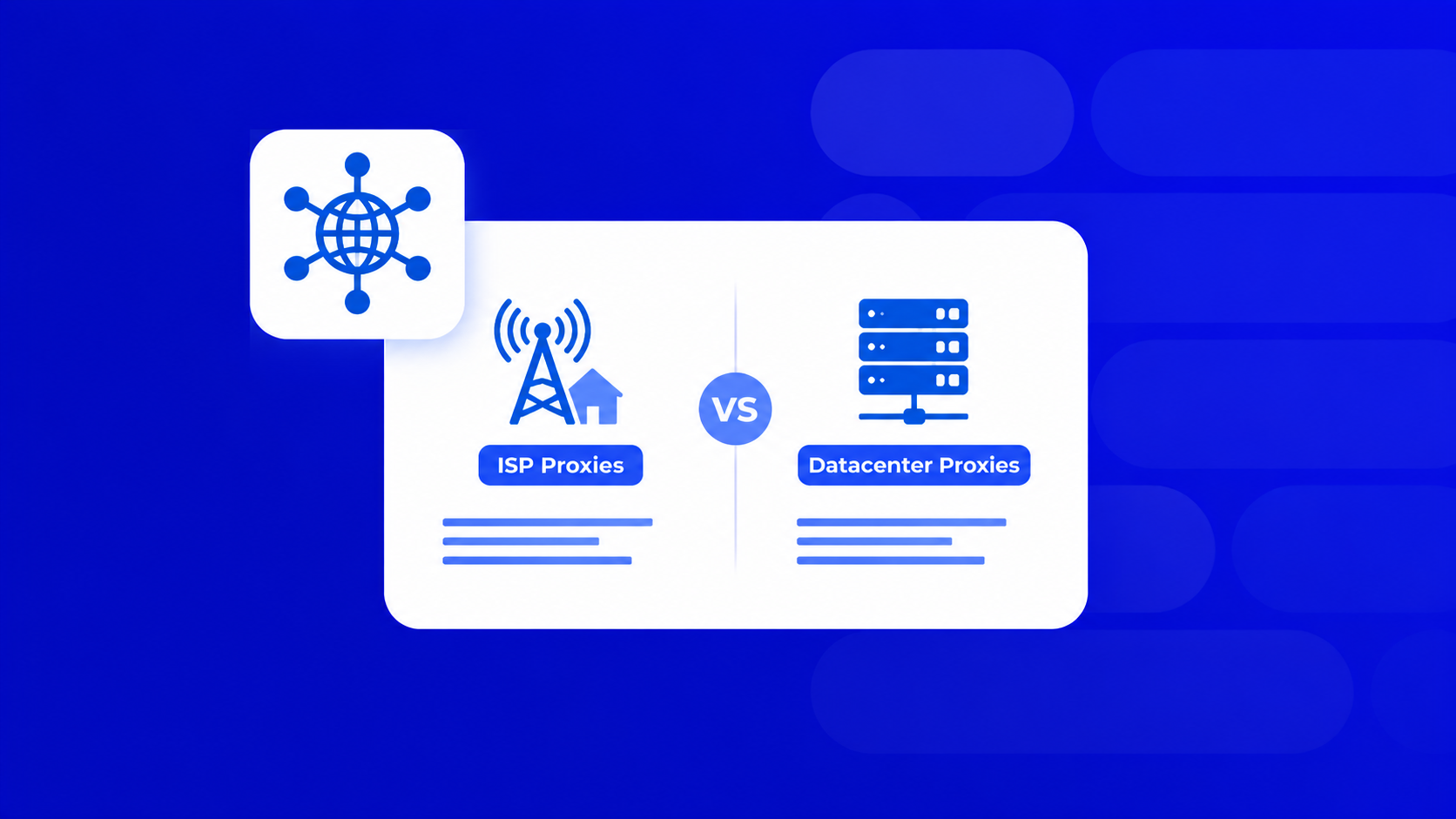
- Datacenter proxy — an IP owned by a hosting company (AWS, OVH, Hetzner). It lives in a server rack. Fast, cheap, easy to detect because the ASN screams “not a real user.”
- ISP proxy — a server-hosted IP that is registered under a real Internet Service Provider (Comcast, AT&T, Verizon). Physically it sits in a datacenter, so it’s fast — but websites see the ISP’s ASN and treat it like a home connection.
- Residential proxy — a real home device routing your traffic. Highest trust, slowest, most expensive per GB.
- Mobile proxy — a 3G/4G/5G carrier IP. Best for the harshest anti-bot targets.
The confusion around isp vs datacenter proxies comes from the fact that both are hosted in the same buildings on the same hardware. The only difference is the paperwork behind the IP — and that paperwork is exactly what anti-bot systems read first.

ISP vs datacenter proxies: the head-to-head
| Feature | Datacenter | ISP |
|---|---|---|
| Speed | Fastest (1 Gbps+) | Very fast (close to datacenter) |
| Anti-bot detection risk | High | Low–medium |
| Price per IP | $0.5–$2 | $1.5–$5 |
| Best for | Bulk scraping, SEO tools, non-sensitive targets | Social media, sneakers, ad verification, e-commerce |
| Sold by | IP / subnet | IP, usually static |
| IP rotation | On-demand, huge pools | Usually sticky/static |
If your target site returns a 403 after 50 requests through a data center proxy, that’s your signal to move up the ladder — either to ISP or residential.
When to pick which
Pick a data center proxy if:
- You’re scraping public data at scale (news, SERPs, product feeds from lenient sites).
- Budget matters and you can burn IPs.
- You need thousands of concurrent connections.
- Latency-sensitive automation (arbitrage price checks, uptime monitors).
Pick an ISP proxy if:
- You’re running multi-accounting on Instagram, TikTok, Facebook Ads, or Amazon Seller.
- You cop sneakers or drops where 200ms extra means losing checkout.
- You verify ads across geos and need clean, static US/EU IPs.
- Residential is too slow or too expensive for your volume.
Skip both and go residential/mobile if:
- Your target has aggressive fingerprinting (Cloudflare Enterprise, PerimeterX, DataDome on hard mode).
- You need thousands of unique IPs per hour, not per month.

Quick checklist before you buy proxies
- Check the ASN. A “premium ISP proxy” on an AWS ASN is just a data center proxy with a markup.
- Ask for a trial. Any serious vendor gives 24–48h of testing. Hit your actual target, not a speed-test page.
- Watch the success rate, not the ping. 95% success at 400ms beats 60% success at 90ms.
- Match GEO to task. For ad verification you need city-level, not just country-level.
- Confirm the protocol. HTTP(S) is enough for most scraping; SOCKS5 is needed for some bots and Telegram automation.
- Check billing model. Datacenter is usually per IP/month, ISP the same, residential per GB. Don’t mix them up when comparing prices.
Where PROXY-MAN fits in
Most guides on isp vs datacenter proxies are written by enterprise vendors whose entry plans start at $500/month. If you run a small SEO shop, an affiliate team, or a solo automation stack, that pricing doesn’t work.
PROXY-MAN covers all types — datacenter, ISP, residential, mobile — across 200+ geos, with HTTP(S) and SOCKS5 support. IPv4 starts at $0.7 per proxy, residential from ~$0.7/GB. You can grab 10 ISPs to test a sneaker bot without committing to a monthly enterprise contract.

How to buy Datacenter or ISPproxies using PROXY-MAN: A Step-by-Step Guide
- Sign up for a new account on proxy-man.com and log in to your dashboard.
- Go to the Balance Top-up section and add funds to your account using your preferred payment method.
- Open the New Proxy page and select the proxy type you need: datacenter or ISP.
- Choose the country, region, city, and Internet Service Provider (ISP). Then select the preferred session type.
- Configure the protocol and traffic limit based on your requirements.
- Review your selected settings and click Buy Now to complete your purchase.
- Once your proxy is ready, copy the provided proxy credentials and add them to your browser, application, or automation tool by following the setup instructions for your operating system or browser.