Short answer: for most scraping jobs you want a rotating residential or mobile proxy with SOCKS5 support, sub-2s response time, and pay-as-you-go GB pricing. Datacenter IPv4 works for simple targets; ISP proxies are the middle ground; residential and mobile handle the aggressive anti-bot stacks (Cloudflare, DataDome, PerimeterX).
Below is a practical checklist for choosing the right one — no vendor rankings, just the criteria that matter when your parser starts returning 403s.

What is the best proxy for web scraping, really?
There isn’t one “best proxy” — there’s the right proxy for the target site. Match the pool to the defense:
- Static IPv4 / IPv6 — cheapest option. Good for open APIs, small sites, price monitoring on unprotected e-commerce. Fails fast on anything behind Cloudflare.
- ISP proxies — datacenter speed, residential-looking ASN. Best for stable sessions: SERP scraping, account warm-up, sneaker checkouts.
- Rotating residential — real user IPs, rotated per request or per session. The default for scraping social platforms, marketplaces, and travel aggregators.
- Mobile (4G/5G) — shared carrier IPs. Overkill for most parsing, but unbeatable for Instagram, TikTok, and any target that whitelists mobile ranges.
Rule of thumb: start one tier below what you think you need. If a datacenter IPv4 pool holds a 95%+ success rate, don’t pay residential prices.
7 criteria for picking a rotating proxy service
Score any provider against these before you top up more than $20:
- Pool size and freshness. Ask how often IPs are refreshed. A “100M IP pool” means nothing if half of it is already flagged.
- Rotation control. You need both per-request rotation and sticky sessions (5–30 min). Scraping login flows without sticky sessions is a waste of GB.
- GEO granularity. Country-level is table stakes. City- and ASN-level targeting matters for local SERPs and ad verification.
- Protocol support. HTTP(S) is standard; SOCKS5 is required if you’re routing headless browsers or non-HTTP traffic.
- Success rate on your target. Ignore marketing pages — request a trial and run 1,000 requests against your actual URL. Anything under 90% is a red flag.
- Billing model. GB-based is honest for residential/mobile. Per-IP is cheaper for datacenter pools if you know your concurrency.
- Concurrent threads. Some cheap providers throttle to 100 threads. Enterprise scrapers need 1,000+.

How to test a proxy server for web scraping in 30 minutes
Skip the reviews. Run this:
- Buy the smallest package (1–2 GB residential or 5–10 IPv4s).
- Point your scraper at a known-hard target — Amazon product page, Google SERP, or LinkedIn public profile.
- Fire 500 requests with a 1–2s delay. Log response codes.
- Compare success rate, average latency, and bandwidth consumed. Residential often eats 3–5x more GB than expected because of JS-heavy pages.
- Repeat with sticky sessions if your workflow requires login state.
If two providers land within 5% of each other on success rate, pick the cheaper one. Loyalty to a proxy brand is expensive.
Common mistakes that burn budget
- Buying residential when ISP would do. ISP proxies cost pennies per IP and are indistinguishable from home connections on most targets.
- Ignoring User-Agent and header rotation. A perfect IP with a stale header set still gets flagged.
- Running one pool across all projects. Mix scraping traffic with mass-registration traffic and you’ll poison the pool.
- No retry logic. A 5% failure rate is normal. Build exponential backoff, not a support ticket.
Where PROXY-MAN fits
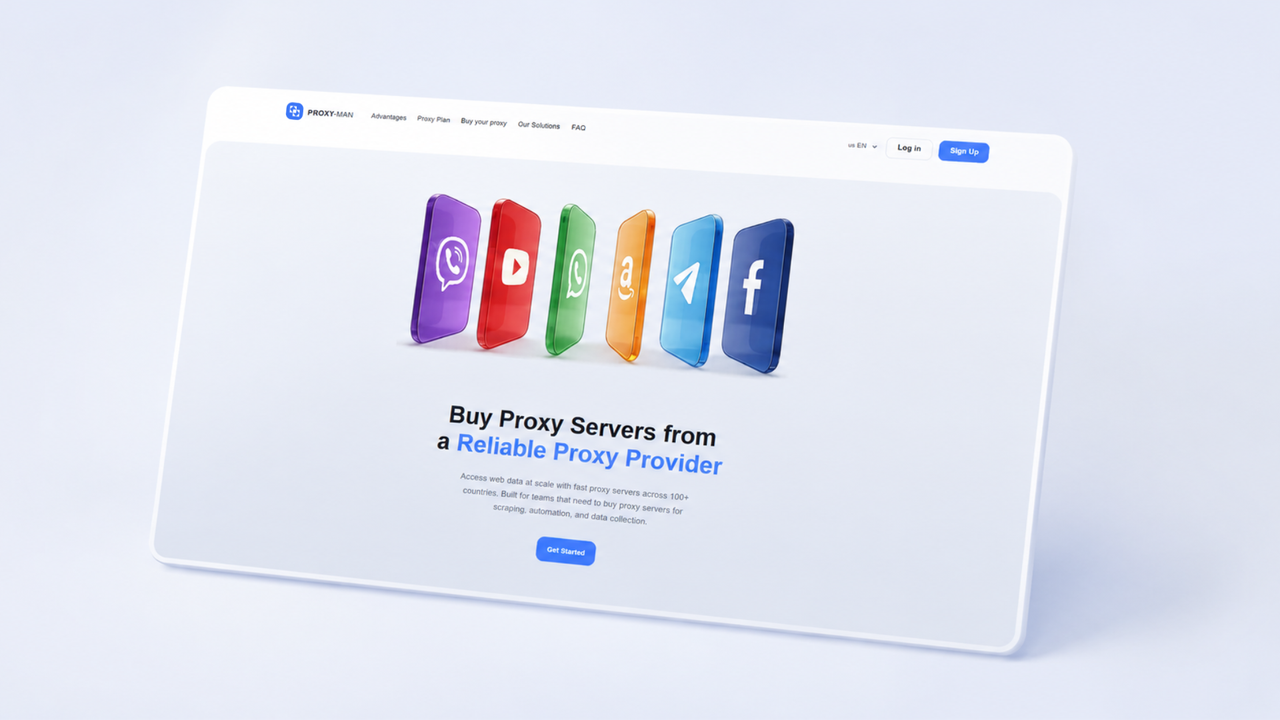
If you’re running small-to-mid scale scraping, arbitrage, or multi-accounting and the pricing of Bright Data or Oxylabs makes your margin cry — PROXY-MAN covers the same proxy types (IPv4, IPv6, ISP, residential, mobile) across 200+ GEOs, with HTTP(S) and SOCKS5, starting at ~$0.7 per IPv4 and ~$0.7/GB for residential. Instant delivery, no enterprise sales call.
How to Set Up a Proxy for Web Scraping
- Create your account. Sign up on proxy-man.com and log in to your dashboard.
- Add funds. Top up your balance using your preferred payment method.
- Create a new proxy. Open the New Proxy page and select the proxy type that best fits your scraping project.
- Choose your target location. Select the country, region, city, or ISP that matches the websites you plan to scrape. For large-scale scraping, enable rotating sessions to automatically change IP addresses.
- Configure your proxy. Select the protocol (HTTP(S) or SOCKS5), set your traffic limit if needed, and review the remaining settings.
- Purchase and activate. Confirm your configuration and click Buy Now.
- Connect your scraper. Copy your proxy credentials and add them to your scraping tool, bot, browser, or script. Test the connection before launching your scraping tasks to ensure everything is working correctly.