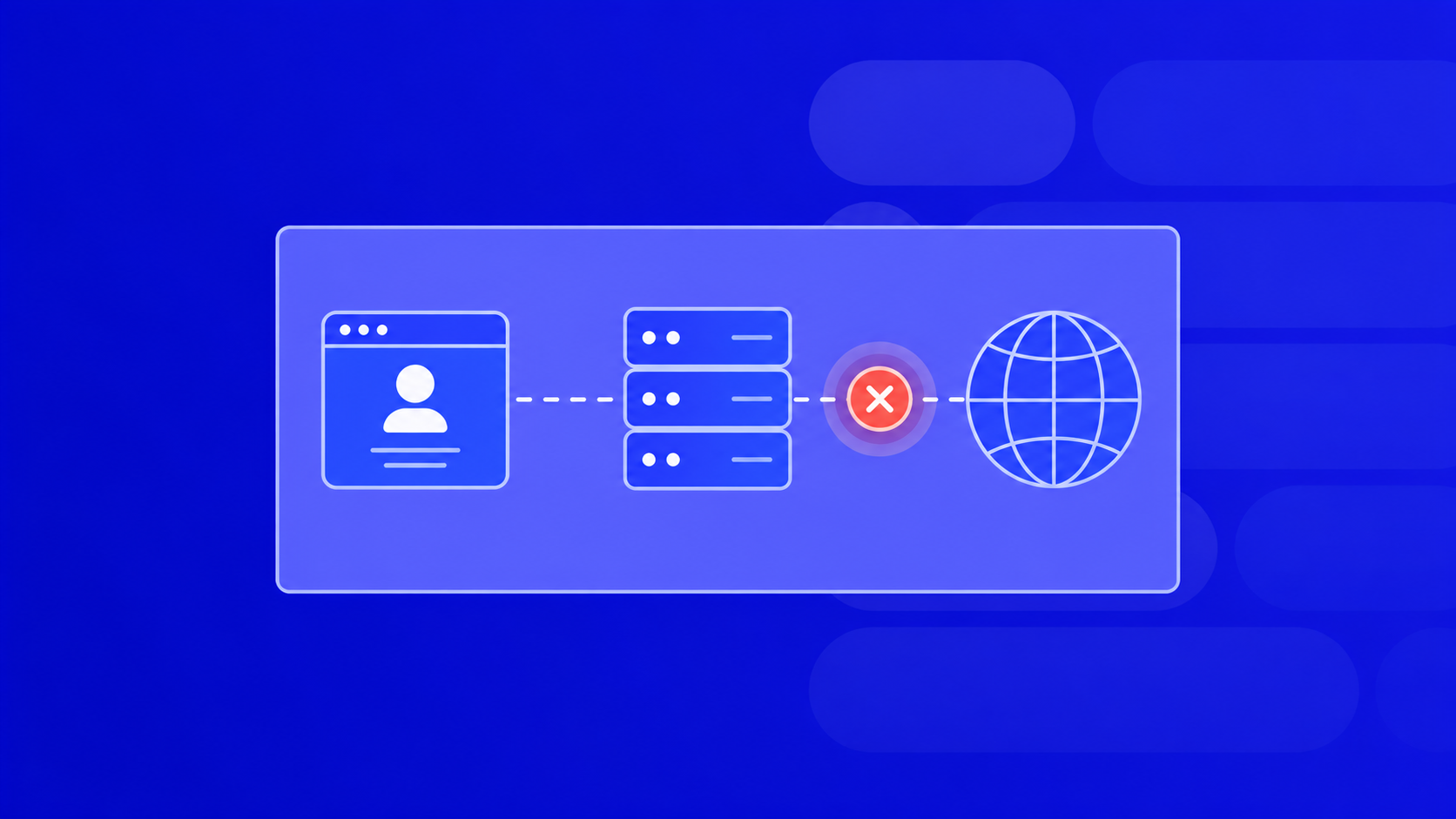
A proxy error is any HTTP response that tells you the request never reached the target site the way you wanted — either the proxy itself failed, or the destination rejected the traffic that came through it. If your scraper, ad account, or automation script suddenly stops working, the proxy status code in the response is usually the fastest way to find out why.
Below is a practical breakdown: what each code means, what actually triggers it, and what to do next.
Whether you need proxies for browsing, account management, or bypassing access limitations, premium proxy services provide stable connections and better security. Explore PROXY-MAN solutions to find the right proxy type for your needs.
What Is a Proxy Error, in Plain Terms
When you route a request through a proxy, three things can go wrong:
- The proxy can’t connect to you (auth, config, port).
- The proxy can’t connect to the target (network, timeout, dead node).
- The target sees the proxy IP and blocks it (anti-bot, rate limit, geo).
All three surface as HTTP status codes. The trick is knowing which layer is complaining. A 407 is on you. A 429 is on the target. A 502 is usually on the proxy provider.
Quick rule of thumb by first digit:
- 2xx — success (yes,
200through a proxy is still a proxy status you should log). - 3xx — redirect. Not always an error, but often a soft block.
- 4xx — client-side. Your request, your headers, your IP.
- 5xx — server-side. Proxy or target infrastructure.
The Proxy Status Codes You’ll Actually See
Skip the textbook list — here are the ones that break real workflows.
403 Forbidden. The target recognized the traffic as non-human or the IP as flagged. Fix: rotate to a residential or mobile IP, slow the request rate, and clean fingerprint headers (User-Agent, Accept-Language, TLS profile).
407 Proxy Authentication Required. You forgot credentials or sent them in the wrong format. Fix: check user:pass@host:port syntax, or whitelist your server IP in the proxy dashboard.
408 Request Timeout. The proxy accepted the connection but the upstream took too long. Fix: raise the client timeout to 30–60s, or switch to a proxy pool with lower latency in the target’s region.
429 Too Many Requests. You hit a rate limit from a single IP. Fix: enable rotation per request, add jitter (0.5–3s), and split load across a larger pool.
502 Bad Gateway. The proxy tried to reach the target and got garbage back — dead exit node, DNS hiccup, or the target dropped the TCP connection. Fix: retry once with a fresh IP; if it persists across many IPs, the target is down.
503 Service Unavailable. Often served by Cloudflare/Akamai as a soft block. Fix: residential or ISP proxies, matching geo, and a real browser fingerprint.
504 Gateway Timeout. Same layer as 502, but the target never answered at all. Fix: retry with a different exit node.
How to Debug a Proxy Error in Under 5 Minutes
A tight loop that works for scraping, multi-accounting, and ad ops:
- Reproduce without the proxy. Hit the target directly. If it also fails, the problem isn’t the proxy.
- Reproduce with
curl -x. Strip your framework out of the equation:
curl -x http://user:pass@host:port -v https://target.com
The verbose output shows exactly where the handshake dies. - Check the proxy status in your dashboard. Is the pool live? Are you out of GB? Is the sub-user disabled?
- Swap the IP type. If a datacenter IPv4 gets
403, try residential. If residential gets429, try mobile. The proxy error class often tells you which layer to escalate. - Match geo to the target. A US-only site served through a DE exit node throws odd
403s and redirect loops.
Preventing Proxy Errors Before They Cost You Money
For media buyers and automation, most errors are avoidable with the right setup upfront:
- Use sticky sessions for login flows and rotating sessions for parsing.
- Keep separate pools per project. Don’t reuse a Facebook Ads pool for e-commerce scraping — one flag poisons the other.
- Cap concurrency per IP. As a rule: 1 IP per account for social platforms, ≤5 rps per IP for public scraping.
- Monitor success rate, not just uptime. A pool at 99% uptime with 60% success rate is worse than the reverse.
- Keep a fallback provider. When your main pool eats a wave of
503s, you switch, not sit.
When It’s the Proxy and When It’s You
A quick self-check before opening a support ticket:
- Same code on 10+ different IPs from the same pool → provider issue.
- Same code on 1 IP, others work → that IP is burned, rotate.
- Code changes when you change headers → it was never the proxy.
- Works on
httpbin.org/ipbut fails on your target → target-side anti-bot, not proxy health.
Log every proxy error with IP, timestamp, target, and response body snippet. Two days of logs will show you the pattern faster than any docs page.
Cut Proxy Errors Down with the Right Pool
Most 4xx and 5xx headaches come from using the wrong proxy type for the job — datacenter IPs on anti-bot-heavy targets, or a shared pool on platforms that fingerprint aggressively. PROXY-MAN gives you IPv4, IPv6, ISP, residential, and mobile proxies across 200+ GEOs with HTTP(S) and SOCKS5 support, so you can match the IP type to the target instead of fighting error codes. Small and mid-budget pricing, no enterprise minimums.