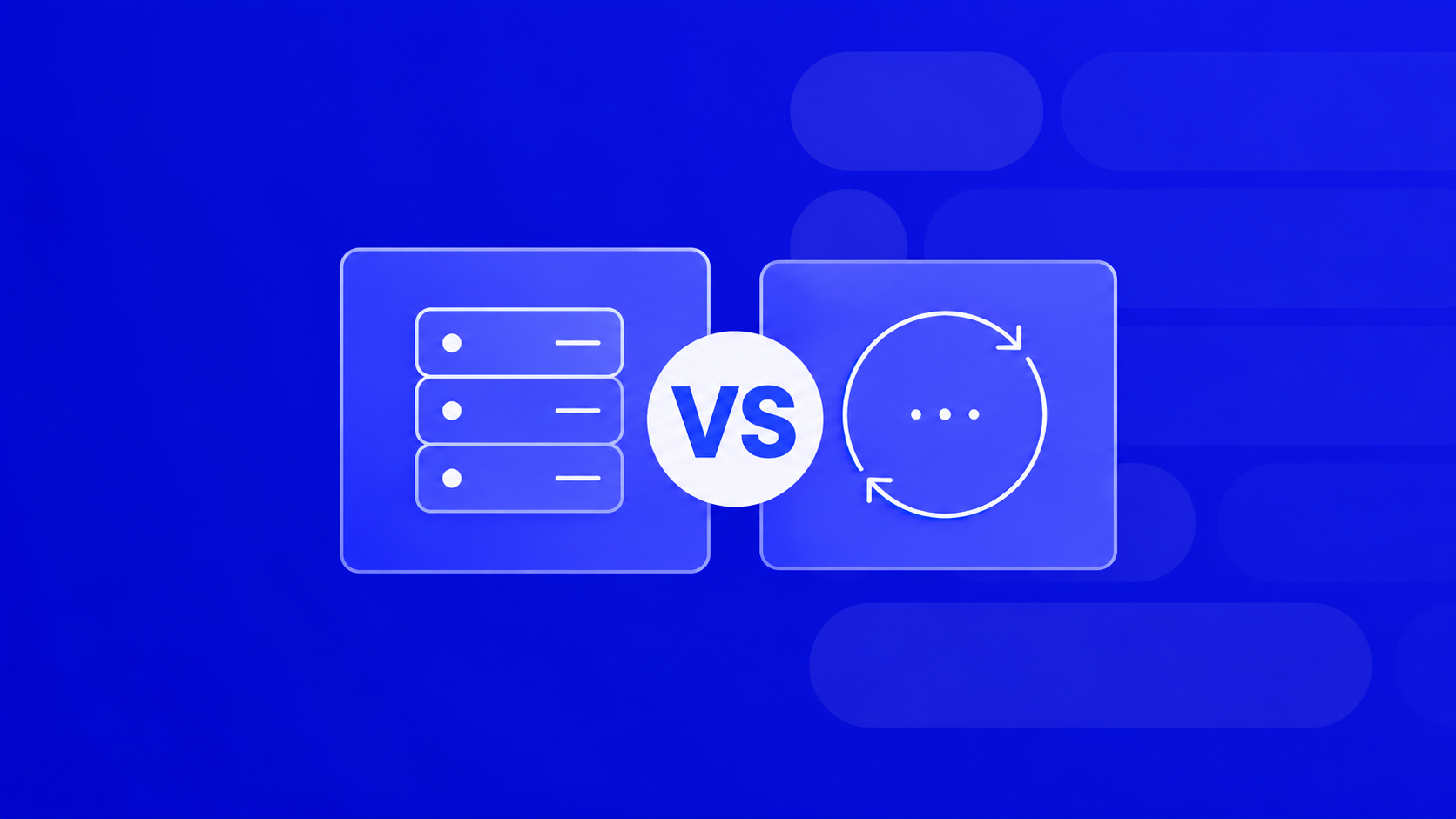
Short answer: use a static proxy when you need the same IP to stay attached to one identity (an ad account, a store login, a checkout session). Rotate proxies when you need volume and anonymity across many requests — scraping, price monitoring, ad verification.
Everything else below is just details that help you avoid overpaying or getting banned.

Static vs rotating proxies: the core difference in 30 seconds
A static proxy gives you one IP address that stays yours for the whole rental period — usually a datacenter or ISP IP. Same IP today, same IP next week. Sessions stay alive, cookies don’t reset, and target sites see a consistent fingerprint.
A rotating pool assigns you a new IP on every request or every few minutes. Most rotating pools are residential or mobile — real IPs from real ISPs, harder for anti-bot systems to flag.
Quick contrast:
- Session stability: static wins.
- Anonymity at scale: rotating wins.
- Speed and latency: static (especially ISP) wins.
- Bypass rate on tough targets: rotating residential/mobile wins.
- Price per successful request: depends on the job — see below.
When a static proxy is the right call
Pick a static IP if any of these describe your workflow:
- Ad accounts. Facebook, Google, TikTok Ads — each account needs a clean, dedicated IP that doesn’t change. One switch mid-session and you’re in review.
- Multi-accounting on social platforms. One account = one static IP (ideally ISP or mobile). Rotating here is a fast way to get banned.
- E-commerce logins and checkouts. Sneaker bots, marketplace sellers, dropship dashboards — sites tie the session to the IP.
- Whitelisted APIs. If a partner has whitelisted your IP, you obviously can’t rotate.
- Long-lived automation. RPA scripts, CRM sync, scheduled uploads — anything that needs a stable identity.
For these tasks, IPv4 or ISP proxies are the standard. ISP proxies look like residential IPs to the target site but sit on datacenter infrastructure, so they’re both trusted and fast.
When you should rotate proxies instead
Rotation exists for one reason: to spread traffic across many IPs so no single address gets rate-limited or blocked.
Use rotating proxies for:
- Web scraping and parsing. If a target throws 403 after 50 requests, you don’t need a better user-agent — you need a fresh IP every N requests.
- SERP tracking and SEO tools. Rank checkers, keyword scrapers, competitor monitors.
- Price aggregation. Travel, retail, marketplaces — high request volume, low session need.
- Ad verification. Checking how creatives render in different GEOs.
- Bulk account registration (where allowed by ToS).
Two rotation modes matter when buying:
- Per-request rotation — new IP on every HTTP call. Best for scraping.
- Sticky sessions (usually 1–30 minutes) — same IP for a short window, then rotate. Best when a site needs a mini-session (login → 2–3 pages → done) but you still want scale.
Static vs rotating proxy pricing: what actually costs you
Sticker price is misleading. Look at cost per successful request for your target.
- IPv4 static: billed per proxy, roughly $0.7–2 each per month. Great value if you reuse the IP daily.
- IPv6 static: cents per proxy. Cheap and abundant, but only useful where the target supports IPv6 (Google properties, some social platforms).
- ISP static: more expensive per IP, but very high trust score — cheapest option overall for ad accounts because bans cost more than proxies.
- Rotating residential/mobile: billed per GB, from ~$0.7/GB. Fine for scraping HTML, painful if your scraper pulls images or video.
- Rotating datacenter: cheapest per GB, but low trust — dies fast on protected sites.
Rule of thumb: if a single ban costs you a $500 ad account, don’t save $3 on a proxy.
A quick decision checklist for proxy buying
Ask yourself, in order:
- Does the task need a persistent login or session? → Static.
- Is the target aggressively anti-bot (Cloudflare, DataDome, PerimeterX)? → Rotating residential or mobile.
- Do you need a specific city or carrier? → Mobile or geo-targeted residential.
- High volume of cheap requests on a soft target? → Rotating datacenter or IPv6.
- Latency-sensitive (checkout, arbitrage)? → ISP static.
Test before you scale. Buy the smallest package, run 500–1000 requests against your real target, measure success rate and average response time. Then commit.
Try it on the right proxy stack
PROXY-MAN covers all five types — IPv4, IPv6, ISP, residential, and mobile — across 200+ GEOs, with HTTP(S) and SOCKS5 support. If you’re still deciding between a static IP for your ad accounts and a rotating pool for your scraper, you can pick both from the same dashboard and pay only for what you use.
How to Buy Static or Rotating Proxies in 2026
One of the easiest ways to purchase static or rotating proxies is through the Proxy-Man platform. Follow these simple steps:
- Open the registration page, create a new account, and log in to your dashboard.
- Go to the Recharge section and add funds using any available payment method.
- Open the New Proxy page and choose the proxy type you need: datacenter, residential, or mobile.
- Select your preferred country, then specify the region, city, and Internet Service Provider (ISP) if required.
- Choose the session type depending on your needs: keep the same IP address for a static session or enable automatic IP rotation on every request or at intervals of 1, 2, 5, or 10 minutes.
- Select your preferred protocol (HTTP(S) or SOCKS5) and choose a traffic package from 1 GB to 1000 GB.
- Review all selected settings, including location, ISP, protocol, traffic limit, and session type, then click Buy Now to complete your purchase.
- Copy the generated proxy credentials and use them in your browser, application, scraper, or automation tool.