free proxies are fine for one-off tasks like unblocking a page or a quick manual check. For anything that touches money, accounts, or automation — parsing, ad campaigns, multi-accounting, sneaker bots — you need to buy proxy access from a provider that owns its pool. Mixing the two rules is how people lose accounts and budgets.
Below is a practical breakdown: what free proxies actually do, when they’re acceptable, and what to look for when you switch to paid.

What you actually get with free proxies
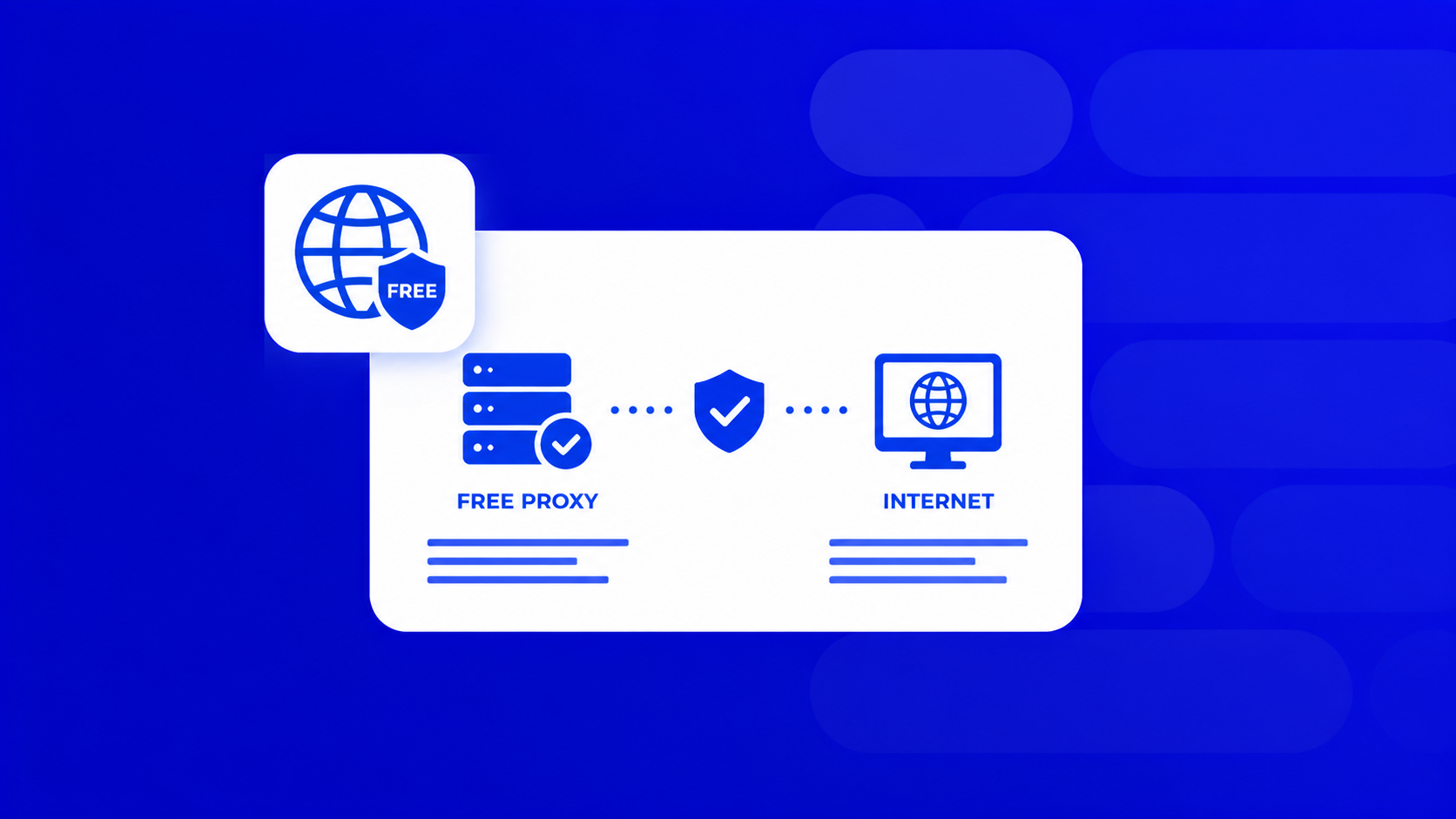
A free proxy server is usually a public IP that hundreds of other users are already hammering. It routes your request, hides your original IP, and that’s about it.
What free proxies typically do not give you:
- HTTPS/TLS in a stable way (many are HTTP-only).
- Authentication — anyone can use the same IP as you.
- Uptime guarantees. Lists on free-proxy sites rot within hours.
- Clean IP reputation. Most are already flagged by Cloudflare, Akamai, Google, Meta.
Speed is the other issue. A free proxy server that works at 10 a.m. can be dead by lunch, and the good ones on public lists are saturated. If your workflow depends on completion rate, this is a dealbreaker.
When free proxies are good enough
There is a narrow set of tasks where free proxies make sense:
- Manually opening a geo-blocked article or checking if a site is up from another country.
- Learning how proxies work — configuring them in a browser, testing a scraper locally, understanding SOCKS5 vs HTTP.
- Throwaway checks where you don’t log into anything and don’t care if the connection drops.
That’s it. If the task involves a login, a payment, an API key, or repeated requests to the same target — stop and use a paid pool.

When you need to buy proxy access instead
The moment your work has a cost attached to failure, free proxies stop being free. A few concrete triggers:
- Ad accounts and media buying. One reused IP across accounts and Meta locks the whole cluster. You need a clean, sticky IP per account.
- Scraping at scale. A parser doing 50+ requests per minute needs rotation, retries, and a pool that isn’t already on every anti-bot blocklist.
- Multi-accounting on Instagram, TikTok, Avito, marketplaces. Platforms fingerprint IP + device. Residential or mobile IPs per profile are the minimum.
- Sneaker drops, ticketing, checkout bots. ISP or residential proxies with low latency to the target region — free lists won’t survive the first captcha.
- SEO rank tracking from specific GEOs. You need predictable, city-level IPs, not roulette.
How to choose when you buy proxy pools
Skip the marketing pages. Compare on these five things:
- Proxy type matches the job. IPv4 for general use, IPv6 for cheap high-volume where the target supports it, ISP for speed + trust, residential for stealth, mobile for the strictest platforms.
- GEO coverage. If you work US/EU only, most providers are fine. For niche countries, check the list before paying.
- Protocols. HTTP(S) and SOCKS5 should both be available. SOCKS5 matters for non-browser tools.
- Billing model. Per-IP for static tasks (ISP, IPv4), per-GB for rotating residential/mobile. Avoid providers who only sell huge enterprise plans.
- Trial or small starter pack. Any serious provider lets you test a few IPs before you commit.
A quick sanity test before scaling: run 200 requests to your actual target through the trial pool and measure success rate and average response time. If it’s under 95% success on a normal site, move on.
Where PROXY-MAN fits
If you’ve read this far, you already know free lists won’t carry a real workflow. PROXY-MAN gives you IPv4, IPv6, ISP, residential, and mobile proxies across 200+ GEOs, HTTP(S) and SOCKS5, at prices built for small and mid-budget teams — not enterprise-only pricing. Grab a small test pack, run it against your actual target, and scale only what works.

How to Get Started with a Paid Proxy in Minutes
- Create your account. Register on proxy-man.com and sign in to access your personal dashboard.
- Add funds to your balance. Open the Balance Top-up section and deposit using the payment method that works best for you.
- Create a new proxy. Go to the New Proxy page and choose the proxy type you need.
- Customize your location. Select the country, region, city, and ISP, then choose the session type that matches your use case.
- Adjust your settings. Configure the proxy protocol and set the desired traffic limit.
- Complete your order. Double-check your configuration and click Buy Now to purchase your proxy.
- Start using your proxy. Once it’s activated, copy the proxy credentials and configure them in your browser, application, or automation tool by following the setup guide for your operating system or browser.
Quick FAQ
Are free proxies illegal?
No, but the operator may be logging everything you send. Assume zero privacy.
Can I use a free proxy server for a Facebook or Google account?
Technically yes, practically no. The IP is almost certainly burned.
What’s the cheapest way to buy proxy access that still works?
Shared IPv4 or IPv6 packages start under a dollar per proxy. Residential is billed per GB and starts around $0.7/GB with mid-market providers.
Do I need a VPN on top?
Usually no. A proper proxy on your scraper or antidetect browser is enough. VPN + proxy adds latency without adding much security.